
Crossplane: Manage All Your Cloud Infrastructure with Kubernetes CRDs
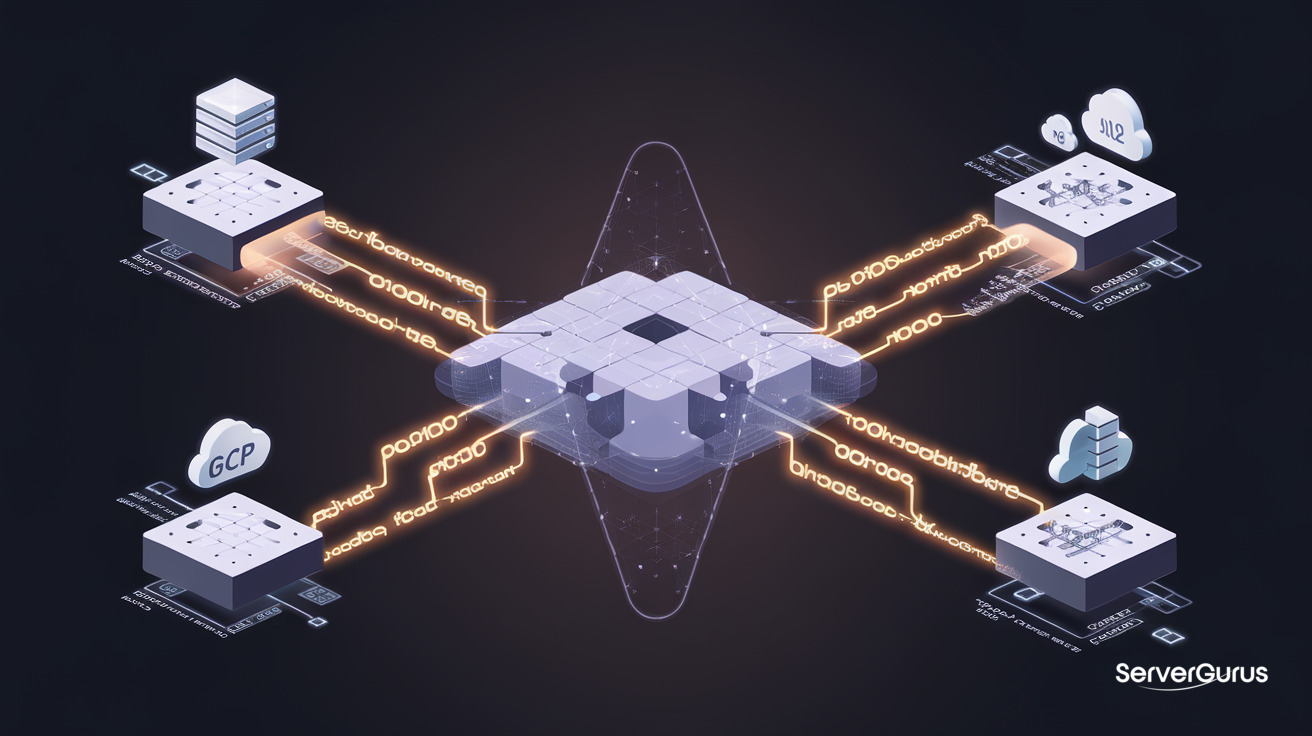
The Problem: Terraform Files Don't Stay Synced
You run terraform apply. AWS creates your RDS instance. A teammate bumps the instance size from the AWS console. Terraform doesn't know. Your infrastructure has diverged from your code. Next terraform apply either reverts the change (surprising your teammate) or you need to terraform import to reconcile. Neither is great.
Infrastructure as Code works at apply time. Between applies, reality drifts. Crossplane fixes this - it makes infrastructure continuously reconciled, the way a Kubernetes controller reconciles a Deployment.
Crossplane in One Paragraph
Crossplane extends the Kubernetes API with custom resources that represent cloud infrastructure. You write:
apiVersion: rds.aws.upbound.io/v1beta1
kind: Instance
metadata:
  name: production-db
spec:
  forProvider:
    engine: postgres
    engineVersion: "17"
    instanceClass: db.t4g.medium
    allocatedStorage: 100
Crossplane sees this, calls the AWS API, creates the RDS instance, and continuously checks that it matches the spec. If someone changes the instance class in the AWS console, Crossplane reverts it within minutes. Git is the source of truth. Crossplane enforces it.
How It Works
┌──────────────────────────────────────────────────────────┐
│                    Kubernetes Cluster                     │
│                                                          │
│  ┌─────────┐   ┌──────┐   ┌─────────┐   ┌───────────┐  │
│  │   XR    │   │  XR  │   │   XR    │   │  Fluentd  │  │
│  │ RDS DB  │   │  S3  │   │  EKS    │   │  Bucket   │  │
│  └────┬────┘   └──┬───┘   └────┬────┘   └─────┬─────┘  │
│       │          │            │               │         │
│  ┌────▼──────────▼────────────▼───────────────▼─────┐   │
│  │              Crossplane Provider                   │   │
│  │       (translates CRDs → cloud API calls)          │   │
│  └────────────────┬──────┬──────┬───────────────────┘   │
└───────────────────┼──────┼──────┼───────────────────────┘
                    │      │      │
              ┌─────▼──┐ ┌─▼───┐ ┌▼──────┐
              │   AWS   │ │ GCP  │ │ Azure │
              └─────────┘ └──────┘ └───────┘
A Provider translates Crossplane resources into cloud API calls. AWS, GCP, Azure, and many others have official providers. A Composition defines a reusable template - instead of creating an RDS instance, a SecurityGroup, and a SubnetGroup separately, you compose them into one PostgresDatabase XR. A Claim is what developers request: "I need a Postgres database" - they don't specify instance type or VPC, they just claim the database.
Crossplane vs Terraform vs Pulumi
| Terraform | Pulumi | Crossplane | |
|---|---|---|---|
| Language | HCL | TypeScript, Python, Go | YAML (Kubernetes CRDs) |
| State storage | State file (S3, Terraform Cloud) | State file or SaaS | etcd (Kubernetes native) |
| Reconciliation | Only on apply |
Only on pulumi up |
Continuous (controller loop) |
| API model | Provider resources | Provider classes | Kubernetes CRDs + Compositions |
| Drift detection | terraform plan |
pulumi preview |
Continuous, automatic |
| Self-service for devs | No (needs Terraform access) | No | Yes (Claims API) |
| Learning curve | Low | Medium | Medium-high (needs K8s) |
Crossplane's killer feature is continuous reconciliation. Terraform applies and walks away. Crossplane watches forever. If drift happens, Crossplane fixes it. No terraform plan needed. No drift detection alerts. The infrastructure is always in the desired state.
Installing Crossplane
# Install Crossplane in your cluster
helm repo add crossplane-stable https://charts.crossplane.io/stable
helm install crossplane crossplane-stable/crossplane \
  --namespace crossplane-system \
  --create-namespace

# Install AWS provider
cat <<EOF | kubectl apply -f -
apiVersion: pkg.crossplane.io/v1
kind: Provider
metadata:
  name: provider-aws-rds
spec:
  package: xpkg.upbound.io/upbound/provider-aws-rds:v1.20.0
EOF

# Wait for provider to be healthy
kubectl get providers
Create an AWS credential secret:
kubectl create secret generic aws-creds \
  -n crossplane-system \
  --from-file=creds=./aws-credentials.txt
# ProviderConfig - tells Crossplane which AWS account to use
apiVersion: aws.upbound.io/v1beta1
kind: ProviderConfig
metadata:
  name: default
spec:
  credentials:
    source: Secret
    secretRef:
      namespace: crossplane-system
      name: aws-creds
      key: creds
Creating Infrastructure: RDS + Security Group
# Security group that allows PostgreSQL from the cluster
apiVersion: ec2.aws.upbound.io/v1beta1
kind: SecurityGroup
metadata:
  name: rds-postgres
spec:
  forProvider:
    name: rds-postgres-sg
    description: Allow PostgreSQL from VPC
    region: us-east-1
    ingress:
      - fromPort: 5432
        toPort: 5432
        protocol: tcp
        cidrBlocks:
          - "10.0.0.0/8"
---
# RDS PostgreSQL instance
apiVersion: rds.aws.upbound.io/v1beta1
kind: Instance
metadata:
  name: app-database
spec:
  forProvider:
    region: us-east-1
    engine: postgres
    engineVersion: "17"
    instanceClass: db.t4g.medium
    allocatedStorage: 100
    storageType: gp3
    dbName: appdb
    masterUsername: admin
    passwordSecretRef:
      namespace: crossplane-system
      name: db-password
      key: password
    vpcSecurityGroupIdsRefs:
      - name: rds-postgres
    publiclyAccessible: false
    skipFinalSnapshotBeforeDeletion: true
  writeConnectionSecretToRef:
    namespace: default
    name: app-db-connection
kubectl apply -f rds-instance.yaml
kubectl get instance.rds.aws
# NAME          READY   SYNCED   EXTERNAL-NAME          AGE
# app-database  True    True     app-database-xyz       30s
Crossplane created the RDS instance, waited for it to be available, and wrote the connection details (hostname, port, username, password) into the app-db-connection Kubernetes Secret. Your application pod mounts that Secret and connects to the database.
Compositions: The Self-Service Layer
Raw provider resources are powerful but too low-level for developers. Compositions define your organization's platform API:
# Composition: a PostgresDatabase is an RDS instance + security group + subnet group
apiVersion: apiextensions.crossplane.io/v1
kind: Composition
metadata:
  name: compositepostgresqlinstances.aws.database.example.org
spec:
  compositeTypeRef:
    apiVersion: database.example.org/v1alpha1
    kind: XPostgreSQLInstance
  resources:
    - name: security-group
      base:
        apiVersion: ec2.aws.upbound.io/v1beta1
        kind: SecurityGroup
        spec:
          forProvider:
            ingress:
              - fromPort: 5432
                toPort: 5432
                protocol: tcp
                cidrBlocks: ["10.0.0.0/8"]
    - name: rds-instance
      base:
        apiVersion: rds.aws.upbound.io/v1beta1
        kind: Instance
        spec:
          forProvider:
            engine: postgres
            engineVersion: "17"
            publiclyAccessible: false
      patches:
        - fromFieldPath: spec.parameters.storageGB
          toFieldPath: spec.forProvider.allocatedStorage
        - fromFieldPath: spec.parameters.instanceClass
          toFieldPath: spec.forProvider.instanceClass
Now developers request a database with:
apiVersion: database.example.org/v1alpha1
kind: PostgreSQLInstance
metadata:
  name: my-app-db
spec:
  parameters:
    storageGB: 100
    instanceClass: db.t4g.small
No AWS knowledge needed. They don't pick security groups, VPCs, or subnet groups. The platform team defined the guardrails. The developer just claims a database.
GitOps: The Whole Stack
# ArgoCD manages the Crossplane resources, which manage the cloud
apiVersion: argoproj.io/v1alpha1
kind: Application
metadata:
  name: infrastructure
  namespace: argocd
spec:
  source:
    repoURL: https://github.com/company/infrastructure
    path: crossplane/
  destination:
    namespace: crossplane-system
  syncPolicy:
    automated:
      prune: true
      selfHeal: true
The GitOps loop: push to Git → ArgoCD syncs Crossplane resources → Crossplane reconciles cloud infrastructure. One git push provisions an RDS instance, updates a security group, and creates an S3 bucket. Everything versioned, reviewed via PR, and continuously enforced.
Crossplane on ServerGurus
We run Crossplane on our managed Kubernetes clusters. Every bare metal and VPS customer gets a Kubernetes option with Crossplane pre-installed. Our compositions cover:
- AWS: RDS, S3, EKS, ElastiCache, Route53, CloudFront, SQS
- GCP: Cloud SQL, GCS, GKE, Memorystore, Cloud CDN
- Azure: PostgreSQL Flexible Server, Blob Storage, AKS, Redis Cache
- ServerGurus: bare metal server provisioning, Ceph volume attachment, DNS management
For teams migrating from Terraform, we provide Crossplane compositions that map 1:1 to existing Terraform module interfaces - same inputs, same outputs, but continuously reconciled.
When to Choose Crossplane
| Pick Crossplane if… | Stick with Terraform if… |
|---|---|
| You already run Kubernetes | You have no Kubernetes |
| You want GitOps (continuous drift correction) | You prefer apply-on-demand |
| Developers need self-serve infrastructure | A single infra team manages everything |
| You manage multi-cloud resources | You are AWS-only or GCP-only |
| You want Kubernetes-native everything | You need a simpler learning curve |
Crossplane does not replace Terraform for everyone. But if your team runs Kubernetes and manages cloud infrastructure, Crossplane eliminates the "plan, apply, and hope nothing drifts" loop. It is the natural next step after adopting GitOps with ArgoCD or Flux.