
Dify vs "Just Open WebUI": When a RAG Studio Earns Its Own VPS
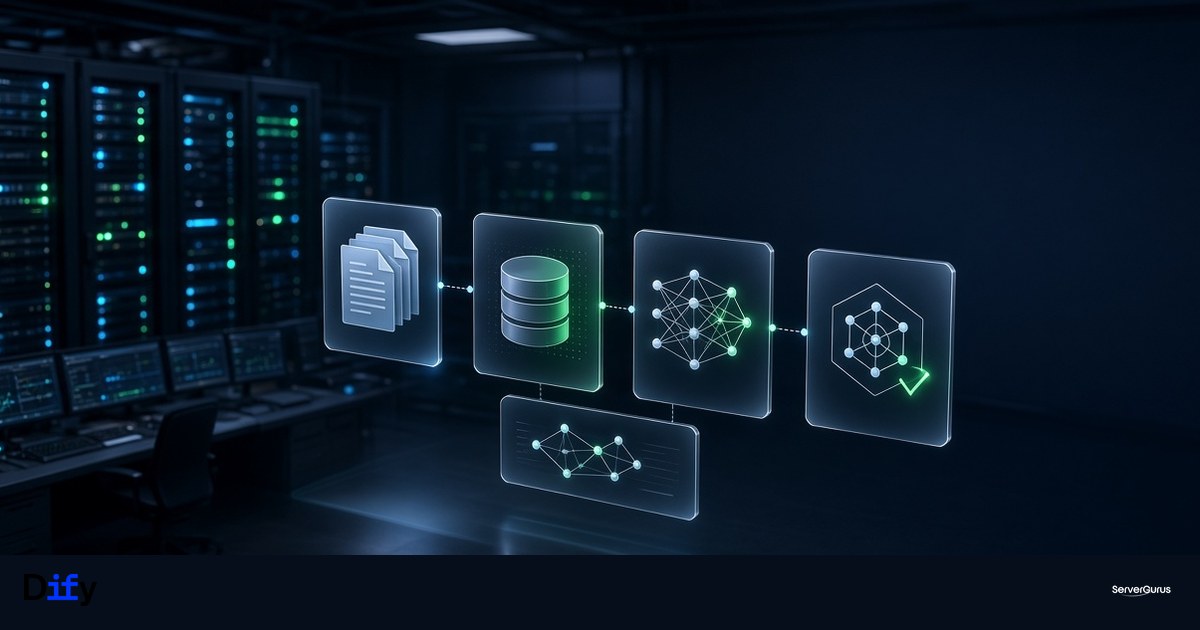
Open WebUI Is a UI. Dify Is a Product Stack.
GPU VPS customers almost always start with Open WebUI pointed at Ollama or vLLM. That is the right first install: one container, a chat box, a model. It is also where a lot of teams get stuck, because the next request is never "another chat window." It is:
- ingest 4,000 PDFs and actually retrieve the right paragraph
- let sales and support share one workspace without sharing API keys
- give an agent a sandbox so it can run code without owning the host
- publish a bot behind your domain with auth, rate limits, and an audit trail
That is Dify. Langgenius's open-source studio (154k GitHub stars, latest release 1.17.0 on 25 Aug 2026) is a full application: workflows, RAG pipelines, plugin/agent runtimes, and a web builder. Official docs still advertise a 2-core / 4 GiB minimum. That figure is "it boots." It is not "it serves customers."
If you already run Open WebUI on a GPU box, keep it. Add Dify on a separate app node. Mixing the chat UI, the embedder, the vector DB, and the GPU runtime on one VM is how you get OOM-killed mid-ingest.
What 1.17 Actually Ships
The 1.17 line is not a cosmetic bump. The headline items for operators:
- E2B sandbox backend. Agent shell/code execution can leave the local sandbox and run on E2B cloud sandboxes (
DIFY_AGENT_RUNTIME_BACKEND). There is a dedicateddocker-compose.e2b.yaml. If you stay fully self-hosted, you keeplocal_sandbox- and you own the blast radius. - Build-time Home Snapshots. Publishing an agent snapshots its sandbox home (packages, files, working state). Subsequent runs restore that snapshot. Great for reproducibility; it also means sandbox disk is now a backup problem, not scratch.
- Skill management for agents, on top of the existing plugin daemon.
License-wise: the GitHub repo is the product you self-host; Langgenius also sells Dify Cloud. Treat this like Grafana or n8n - OSS you can run, with a commercial path. Read the license in the tag you deploy, not a blog post from 2024.
The Compose Surface You Are Actually Starting
docker compose up -d in dify/docker does not start "an app." Default-adjacent services in 1.17's generated compose:
| Role | Service names | Why it exists |
|---|---|---|
| Edge | nginx, optional certbot |
Terminates HTTP. Put your own reverse proxy in front in production. |
| App | api, api_websocket, web |
API + Next-style web UI. |
| Workers | worker, worker_beat |
Celery. Ingest, embedding, workflow runs. This is the noisy neighbor. |
| State | db_postgres, redis |
Source of truth + queue/cache. Default Redis password in .env.example is a placeholder. Rotate it. |
| Files | minio (profile-dependent) |
Object storage for datasets and snapshots. Or point at S3-compatible storage. |
| Vectors | weaviate by default; qdrant / pgvector / milvus / chroma / opensearch as options |
RAG lives or dies here. |
| Isolation | sandbox / local_sandbox, ssrf_proxy, agent_ssrf_proxy, plugin_daemon, agent_backend |
Code execution and outbound HTTP. Do not publish these ports. |
That is why "4 GiB" is a lab number. Postgres + Redis + Weaviate + two workers + a sandbox will sit down on 4 GiB the moment you upload a real corpus.
Sizing That Survives First Contact With Production
Numbers from running this class of stack on hosting hardware, not from the README:
Lab / demo (one admin, a handful of PDFs)
- 4 vCPU, 8 GiB RAM, 80 GiB disk
- Models: none local. Point Dify at a hosted API or a separate GPU box running vLLM/Ollama.
- Vector store: default Weaviate is fine.
Team RAG (tens of users, tens of thousands of chunks)
- 8 vCPU, 16-32 GiB RAM, 250+ GiB NVMe
- Postgres
shared_buffersin the stock.envis 128 MB - raise it when the dataset table is the hot path. - Put Weaviate/Qdrant on its own volume. Snapshots and dataset files on object storage, not the root disk.
- Workers will dominate CPU during ingest. Do not co-locate this with customer websites.
GPU
- Do not put the Dify control plane on the GPU node. The GPU box runs vLLM (or Ollama for a lab). Dify calls it over HTTP like any other model provider.
- Embeddings: either a small embedding model on the GPU box, or an API. Embedding on the app node fights Weaviate for RAM.
Network
- Bind the stack to localhost. Nginx on the VM, or Caddy/Traefik on the host, with TLS. Same lesson as Open WebUI:
0.0.0.0plus no auth is how GPU boxes get mined. - The SSRF proxy is there because agents fetch URLs. If you disable it "to make a tool work," you have given the agent a path to your metadata endpoint and your RFC1918.
Open WebUI vs Dify - Pick One Job Each
| You need | Use |
|---|---|
| Chat with a local/vLLM model, multi-user basic auth, RAG-lite over a few files | Open WebUI on the GPU VPS |
| Shared workspace, visual workflows, dataset pipelines, published bots, sandbox/code tools | Dify on an app VPS |
| Replace Slack/Zapier automations | n8n (already in our self-hosted stack piece) - not Dify |
| One VM "that does AI" | You will rebuild it in three months. Split control plane and inference now. |
Dify will talk to the same vLLM OpenAI-compatible endpoint Open WebUI uses. That is the whole point of splitting them.
A Sane First Install (Control Plane Only)
On a fresh Ubuntu 24.04 app node, Docker Compose v2.24+:
git clone --depth 1 --branch 1.17.0 https://github.com/langgenius/dify.git
cd dify/docker
cp .env.example .env
# set SECRET_KEY, Postgres password, Redis password, INIT_PASSWORD
# set APP_WEB_URL / CONSOLE_WEB_URL to https://dify.example.com
docker compose up -d
Then:
- Confirm
ss -tlnpshows Postgres, Redis, Weaviate, sandbox on localhost or docker networks only. - Put nginx/Caddy in front with a real cert. Do not use the bundled
certbotservice unless you understand its volume layout. - Create the admin at
/install. - Add the model provider pointing at your vLLM/Ollama box. Do not paste a cloud API key onto a host that still has password SSH.
- Ingest a 20-document pilot before you invite the company. Watch
docker statsonworkerandweaviateduring embed. That is your real RAM number.
Upgrade path: pin the image tag. latest on a RAG studio is how you skip a migration. 1.17's sandbox snapshot feature makes "what is on disk" part of the release.
Failure Modes We See on Customer Boxes
- Disk fills from datasets + sandbox homes. Home Snapshots in 1.17 make this worse if you publish often. Quota the volume. Object storage for blobs.
- Weaviate / Qdrant OOM on ingest. Batch size and embedding concurrency are the knobs. Not "add swap."
- Celery backlog, UI looks idle. That is
worker, notweb. Scale workers before you scale the frontend. - Agent SSRF into the hypervisor metadata service. Keep
ssrf_proxyon. If a plugin "needs raw egress," give it a dedicated egress allowlist, not the host network. - Default
.envsecrets left in place. The example Redis password is public. Rotate everything in.envbefore the box is reachable.
When We Would Not Bother
If the requirement is "chat with Llama on a rented GPU," Open WebUI wins on complexity. If the requirement is "internal knowledge base + a bot the support team can edit without deploying YAML," Dify earns the second VM.
We run both patterns on GPU Cloud and Cloud VPS in Hyderabad. If you want the control plane sized and the inference box kept dumb and fast, that is a standard quote - not a science project.
Further Reading
- Dify self-host docs: https://docs.dify.ai/getting-started/install-self-hosted
- Release 1.17.0: https://github.com/langgenius/dify/releases/tag/1.17.0
- Our GPU inference write-up: vLLM + Ray on L40S
- The rest of the replacement stack (n8n, Gitea, etc.): The Selfhosted Stack