
Loop Engineering: The Practice That Replaced Prompt Engineering in 2026
Introduction
In June 2026, Google's Addy Osmani and engineer Boris Cherny published an essay that gave a name to something thousands of AI developers were already doing but could not articulate: loop engineering. Within weeks, Peter Steinberger's viral one-liner on X turned the term into the defining skill of the year.
Loop engineering is the practice of designing systems that prompt AI agents autonomously. It is what replaces prompt engineering when you move from "generate a response" to "build a system that generates responses continuously, verifies them, fixes mistakes, and keeps state."
This guide covers what loop engineering is, the four components every loop needs, the operator loop stack, and how to build your first autonomous agent loop.
What Prompt Engineering Was
Prompt engineering taught us how to talk to a model. You craft a system prompt, add a few examples, and the model generates a response. The skill was knowing which words produced better outputs.
Prompt engineering gave us one-shot generation. It never gave us systems.
A prompt engineer asks: "What prompt produces the best blog post?"
A loop engineer asks: "What system produces a blog post, checks it for errors, revises it, publishes it, monitors engagement, and generates the next one based on what worked?"
The difference is the same as the difference between writing a function and building a service.
The Four Components of Every Loop
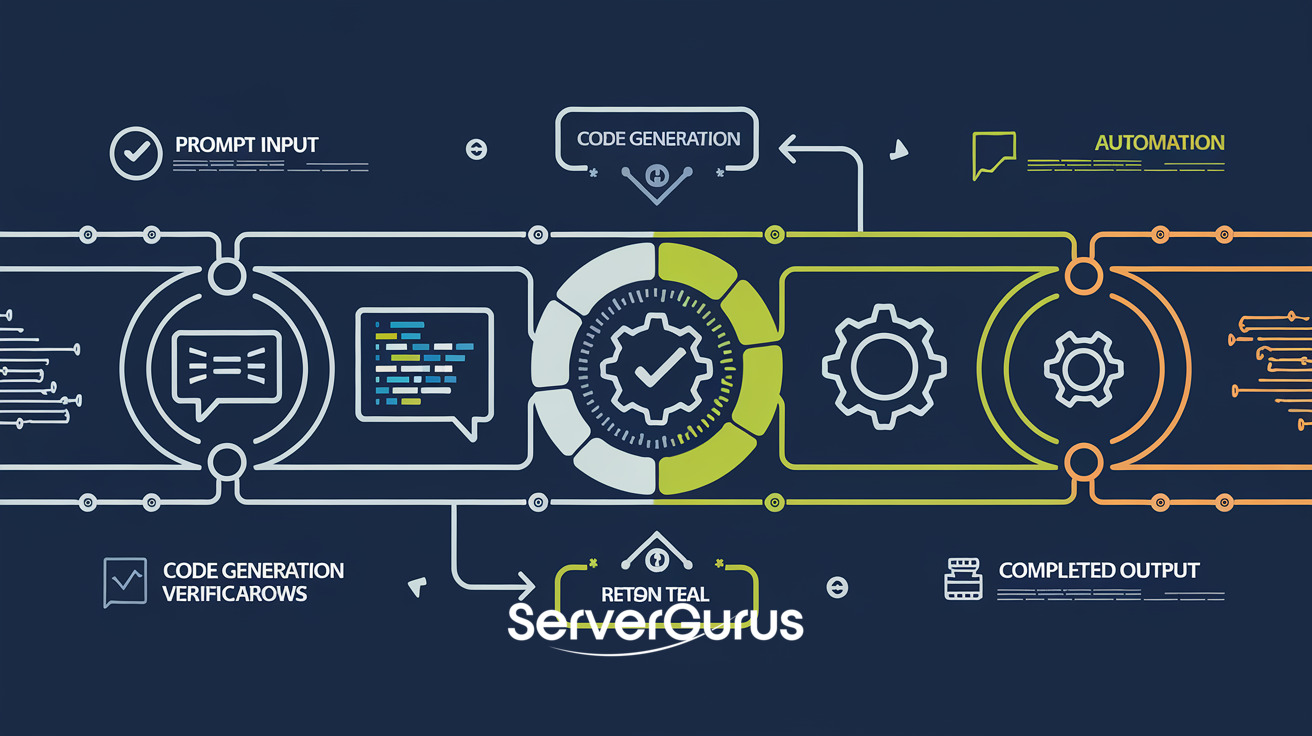
Every autonomous agent loop has four components. Skip any one and the system breaks in production.
1. Prompt
The prompt is the instruction. It tells the agent what to do, what context it has, and what output format to use. But unlike prompt engineering, the loop prompt must be:
- Self-contained. The agent may run 100 iterations. Each prompt must carry enough context for the agent to produce useful output without external reference.
- Verifiable. The output can be checked. If the prompt says "write a React component," the system must be able to test whether the component renders.
- Bounded. Define what "done" looks like. An agent with no exit condition is a money-burning machine.
Example of a loop prompt vs a one-shot prompt:
# One-shot prompt (bad for loops)
"Write a blog post about Kubernetes."

# Loop prompt (good for loops)
"Write a blog post about Kubernetes resource limits. Requirements:
- 800-1200 words
- Includes at least 3 YAML examples
- Mentions real-world gotchas
- No em dashes
- Output as markdown with frontmatter
Leave a comment at the bottom: 'DONE' when complete."
2. Verification
Verification is what separates a loop from a fire-and-forget API call. After the agent produces output, the system checks it. Verification can be:
- Structural: Does the output match a schema? Is it valid JSON? Does it have the required sections?
- Functional: Does the code compile? Do the tests pass? Does the YAML validate?
- Policy-based: Does the output follow the rules? No banned words? No sensitive data?
- Heuristic: Is the output within the expected length? Does it score above a threshold?
If verification fails, the loop feeds the error back to the agent and retries.
def verify(output, requirements):
    errors = []
    if len(output) < requirements["min_words"]:
        errors.append(f"Too short: {len(output)} words")
    if requirements["yaml_examples"] < 3:
        errors.append(f"Need 3 YAML examples")
    return errors  # Empty list = passes
3. Retry
Retry is the loop's self-correction mechanism. When verification fails, the agent gets the errors and tries again. The retry prompt is different from the initial prompt - it includes context about what went wrong.
"Your previous output failed verification:
- Missing 2 YAML examples
- Output is only 450 words

Please revise the post. Add the missing examples and expand the content to 800+ words."
Three retry rules:
- Max retries. Cap at 3-5 retries. If the agent cannot produce passing output in 5 attempts, something is wrong with the prompt or the task is too complex.
- Exponential backoff. Increase the delay between retries. First retry: 2s. Second: 5s. Third: 10s.
- Escalation. After max retries, escalate to a human or a more capable model. Never loop silently forever.
4. State
State is what the agent remembers between iterations. A loop without state is amnesic - every iteration starts from scratch.
State can be:
- Simple: A counter (iteration number, tokens used, cost so far).
- Contextual: The full conversation history. Every prompt, every output, every error.
- Structured: A database record tracking task progress, dependencies, and outcomes.
The best loop architectures store state externally. Do not rely on the agent's context window alone. Write results to a database, log to a file, or push to a queue. This gives you recovery - if the loop crashes, it resumes from the last checkpoint.
The Operator Loop Stack
The operator loop is the production deployment pattern. It has six layers:
┌─────────────────────────────────┐
│         Automations             │  ← Triggers: cron, webhook, event
├─────────────────────────────────┤
│         Worktrees               │  ← File context: repo checkout, sandbox
├─────────────────────────────────┤
│         Skills                  │  ← Capabilities: library of prompts
├─────────────────────────────────┤
│         Connectors              │  ← Integrations: APIs, databases, tools
├─────────────────────────────────┤
│         Sub-agents              │  ← Delegation: spawn workers for subtasks
├─────────────────────────────────┤
│         State                   │  ← Persistence: checkpoint, retry, cost
└─────────────────────────────────┘
Automations trigger the loop. A cron job fires every hour. A webhook fires on PR creation. An event fires when a metric crosses a threshold. Automations are the "why" - why the loop runs.
Worktrees provide file context. The agent checks out a Git repo, clones a sandbox, or mounts a volume. Worktrees isolate each loop run so two concurrent loops do not step on each other.
Skills are reusable prompt libraries. Instead of writing a 2000-character prompt for every task, you curate a library of tested, verified prompts that the agent loads as needed. Skills compound - a library of 20 well-tested prompts is worth more than one perfect one-shot prompt.
Connectors give the agent access to external systems. APIs, databases, file storage, messaging. The agent does not just think - it acts. Connectors turn a text generator into a system that reads real data and makes real changes.
Sub-agents handle complexity. When a task is too large for one agent, the loop spawns workers. One agent researches. One writes. One reviews. Sub-agents run in parallel and report back to the orchestrator.
State ties it all together. Checkpoints save progress. Costs are tracked. Errors are logged. State is what makes a loop production-grade instead of a demo.
The Three Core Loop Patterns
1. Heartbeat Loop
The heartbeat loop runs on a schedule. Every N minutes, it checks something and acts if needed.
Cron fires → Agent inspects state → Condition met? → Act → Save result → Sleep
Example: a cost monitor that checks cloud spend every hour. If costs exceed budget, the agent generates a report and posts it to Slack.
2. Webhook Loop
The webhook loop fires on external events. A PR is opened. A ticket is created. An alert fires.
Webhook received → Agent loads context → Processes event → Produces output → Posts response
Example: a code review bot that runs on every PR. The agent checks for security issues, style violations, and test coverage, then posts a review comment.
3. Goal Loop
The goal loop is the most complex. The agent gets a high-level goal and autonomously plans, executes, verifies, and iterates until the goal is met.
Goal defined → Agent plans → Executes step → Verifies → (retry | next step) → Goal achieved → Report
Example: "Fix all failing tests in this repository." The agent checks which tests fail, generates fixes, runs the tests, retries failing fixes, and reports when all tests pass.
Building Your First Loop
Here is a minimal working loop in Python:
import subprocess
import time

MAX_RETRIES = 3

def run_agent(prompt):
    """Call your LLM here - Claude Code, Codex, OpenAI API, etc."""
    result = subprocess.run(
        ["claude", "-p", prompt],
        capture_output=True, text=True
    )
    return result.stdout

def verify(output):
    """Check if output is acceptable."""
    if "DONE" not in output:
        return ["Missing DONE marker"]
    return []

prompt = "Write a function that validates email addresses in Python. Leave 'DONE' at the end."
retries = 0

while retries < MAX_RETRIES:
    output = run_agent(prompt)
    errors = verify(output)

    if not errors:
        print(f"Success after {retries + 1} iterations")
        break

    print(f"Attempt {retries + 1} failed: {errors}")
    prompt = f"Your previous attempt failed. Errors: {errors}. Fix them. Original task: Write a function that validates email addresses in Python."
    retries += 1
    time.sleep(2 ** retries)  # Exponential backoff

if retries >= MAX_RETRIES:
    print("Max retries exceeded. Escalate to human.")
This is loop engineering stripped to its essentials. Prompt → Verify → Retry → Done. Add state persistence, logging, and cost tracking to productionize it.
The Cost Question
Loop engineering is powerful. It is also expensive. Every retry burns tokens. A 5-iteration loop on GPT-4 costs 5x more than a single call. On Claude Opus, it is worse.
That is why verification matters. A good verification function catches errors on iteration 1, saving 3-4 retries. The difference between a naive loop and a well-engineered loop is a 3x cost delta.
And that is why GPU infrastructure matters. Running these loops at scale - hundreds of agents, thousands of iterations per hour - requires low-latency inference, high concurrency, and predictable costs. A shared public API at $0.01 per 1K tokens becomes a line item you present to your CFO by month-end.
Self-hosting on dedicated GPU hardware cuts per-token costs by 60-80% compared to API pricing. At scale, that is the difference between a viable product and an experiment.
How ServerGurus Helps
Loop engineering runs on GPUs. Our bare metal GPU servers with NVIDIA H200 and L40S give you the dedicated compute to run agent loops at production scale without per-token API tax. Our cloud GPU instances let you prototype loops at hourly rates. And our managed infrastructure means you focus on building agents while we handle drivers, cooling, and uptime.
If you are building autonomous agent systems, get GPU compute that scales.