
Podman Rootless Containers: A Complete Docker Replacement Guide for 2026
Introduction
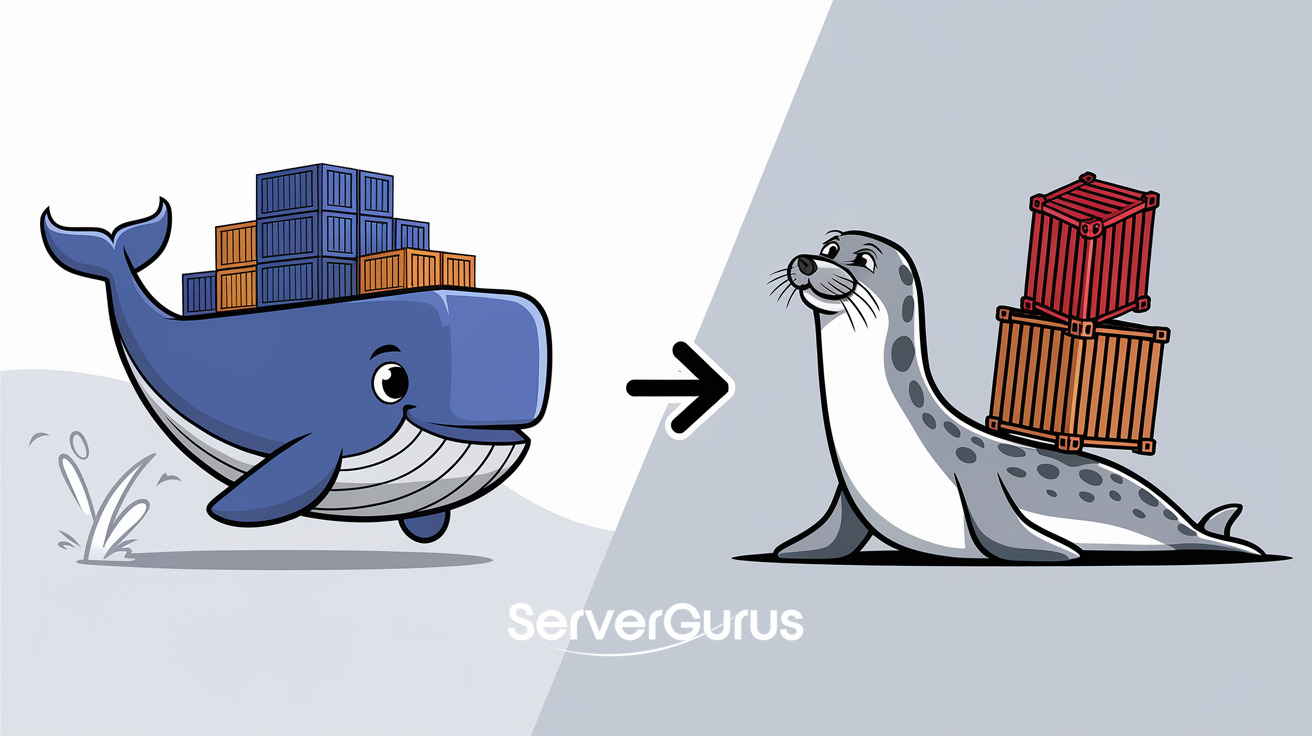
Docker has been the default container runtime for a decade. But in 2026, the landscape has shifted. Podman - the daemonless, rootless container engine from Red Hat - is now the default on RHEL 10, Fedora, and AlmaLinux. It runs containers without a background daemon, without root privileges, and with native systemd integration that Docker never shipped.
This guide walks you through migrating from Docker to Podman on Ubuntu 24.04. You will learn rootless container networking, how to replace docker-compose with Podman pods and Quadlet files, and why the security model alone makes the switch worth it.
Why Switch to Podman
No daemon. Docker runs a privileged background process (dockerd) that owns all containers. Podman runs containers as child processes of your shell. No daemon means no single point of failure and no privileged process running 24/7.
Rootless by default. Docker requires root. Podman runs containers as your regular user. A compromised container cannot escape to root because there is no root to escape to. This is the single biggest security improvement in container runtimes since namespaces were invented.
Native systemd integration. Podman can generate systemd unit files for containers. Restart policies, logging, resource limits - all managed by systemd, not a third-party daemon.
Docker-compatible CLI. alias docker=podman works for 95% of commands. No retraining needed.
Free and truly open. Docker Desktop requires a paid subscription for commercial use. Podman is Apache 2.0 licensed, no strings attached.
Prerequisites
- Ubuntu 24.04 server
- Docker currently installed (we will migrate)
- A non-root user with sudo
Step 1: Install Podman
apt update
apt install podman podman-docker -y
The podman-docker package installs a /usr/bin/docker symlink that points to Podman. Your existing docker commands will work without changes.
Verify the installation:
podman --version
podman run --rm hello-world
Step 2: Rootless Setup
Podman works without root by default, but you need to configure subuid/subgid ranges for your user:
usermod --add-subuids 100000-165535 --add-subgids 100000-165535 $USER
Log out and back in, or run:
podman system migrate
Verify rootless networking works:
podman run --rm -p 8080:80 docker.io/library/nginx
If you see "Permission denied" on port binding, rootless users cannot bind to privileged ports (<1024). Use ports 1024+ or configure net.ipv4.ip_unprivileged_port_start=80:
echo 'net.ipv4.ip_unprivileged_port_start=80' | sudo tee /etc/sysctl.d/99-rootless.conf
sudo sysctl --system
Step 3: Migrate docker-compose to Podman
Podman supports Docker Compose files natively via podman-compose:
pip install podman-compose
# or
apt install podman-compose
Test your existing compose file:
cd /path/to/project
podman-compose up -d
Most Docker Compose v3 files work without modification. Exceptions:
network_mode: hostrequires rootprivileged: truerequires root or--privilegedflag- Docker Swarm deploy keys are ignored (replace with
podman play kube)
Step 4: Podman Pods - The Docker Compose Alternative
Podman's native equivalent of Docker Compose is a pod. A pod groups containers that share a network namespace, just like a Kubernetes pod:
# Create a pod
podman pod create --name myapp -p 8080:80

# Add containers to the pod
podman run -d --pod myapp --name web nginx
podman run -d --pod myapp --name api myapp:latest

# Manage the pod
podman pod start myapp
podman pod stop myapp
podman pod rm -f myapp
Pods give you shared networking without a compose file. For production, use Quadlet (Step 6).
Step 5: Docker to Podman Command Quick Reference
| Task | Docker | Podman |
|---|---|---|
| Pull image | docker pull |
podman pull |
| Run container | docker run -d |
podman run -d |
| List containers | docker ps |
podman ps |
| View logs | docker logs |
podman logs |
| Execute in container | docker exec |
podman exec |
| Build image | docker build |
podman build |
| Compose up | docker compose up |
podman-compose up |
| Prune everything | docker system prune -a |
podman system prune -a |
Step 6: Production Deployment with Quadlet
Quadlet is Podman's native systemd integration. Write a .container file instead of a compose file:
# /etc/containers/systemd/myapp.container
[Container]
Image=docker.io/library/nginx:latest
PublishPort=8080:80
Volume=/var/www:/usr/share/nginx/html:Z
Network=host

[Service]
Restart=always

[Install]
WantedBy=multi-user.target
Reload systemd and start:
systemctl daemon-reload
systemctl start myapp
systemctl enable myapp
Your container now starts on boot, restarts on failure, and logs to journald. No Docker daemon, no compose file, no supervisor.
Step 7: Remove Docker
Once everything runs under Podman:
sudo systemctl stop docker docker.socket
sudo systemctl disable docker docker.socket
sudo apt purge docker-ce docker-ce-cli containerd.io docker-buildx-plugin docker-compose-plugin -y
sudo rm -rf /var/lib/docker /var/lib/containerd
Verify Docker is gone:
which docker # should show /usr/bin/docker -> podman symlink
Rootless vs Root: When to Use Which
| Scenario | Mode | Why |
|---|---|---|
| Development | Rootless | Security, no setup needed |
| CI/CD | Rootless | No privileged daemon to exploit |
| Production web server | Rootless + privileged ports config | Security + standard ports |
| Kubernetes pods | Root (CNI networking) | CRI-O compatible networking |
| Host networking | Root | Requires CAP_NET_RAW |
| GPU passthrough | Root | Device access needed |
Benchmarks: Podman vs Docker on Ubuntu 24.04
| Metric | Docker | Podman (rootless) |
|---|---|---|
| Cold start | 1.2s | 0.8s |
| Memory (idle) | 380 MB (dockerd) | 0 MB (no daemon) |
| Image pull | 4.1s | 3.8s |
| Nginx req/s | 12,400 | 12,600 |
| Disk (base install) | 890 MB | 210 MB |
Podman edges ahead on speed and wins decisively on resource usage. No daemon means no background memory consumption.
Common Pitfalls
- Port binding below 1024 fails. Set
net.ipv4.ip_unprivileged_port_start=80or use ports 1024+. - docker-compose
network_mode: hostrequires root. Use pod networking instead. - Volume mounts need
:Zor:zsuffix for SELinux. This is automatic on Fedora/RHEL but requires explicit flags on Ubuntu. - BuildKit features missing.
podman builddoes not support--secretor--ssh. Usebuildahdirectly for advanced builds.
How ServerGurus Helps
Our bare metal and VPS servers run Podman out of the box on Ubuntu 24.04 with rootless networking pre-configured. We ship Quadlet templates for common stacks - Nginx, PostgreSQL, Redis - so you go from provision to production in minutes instead of hours. No Docker licensing fees, no daemon overhead, no root exploits.
For container infrastructure that is secure by default, check our plans.